GTA 6 photo filter
Turn your photo into GTA 6 character art for free
Turn an everyday selfie into GTA VI character art. Your denim jacket might pick up the amber light of an Ambrosia sugar mill. A coastal portrait might put you beside a skiff in the Keys. Generate again to try another setting.
Free processing and downloads · No signup
Up to 20 tasks per day for this tool, shared by everyone on the same public IP. Resets at 00:00 UTC.
Start with your photo
01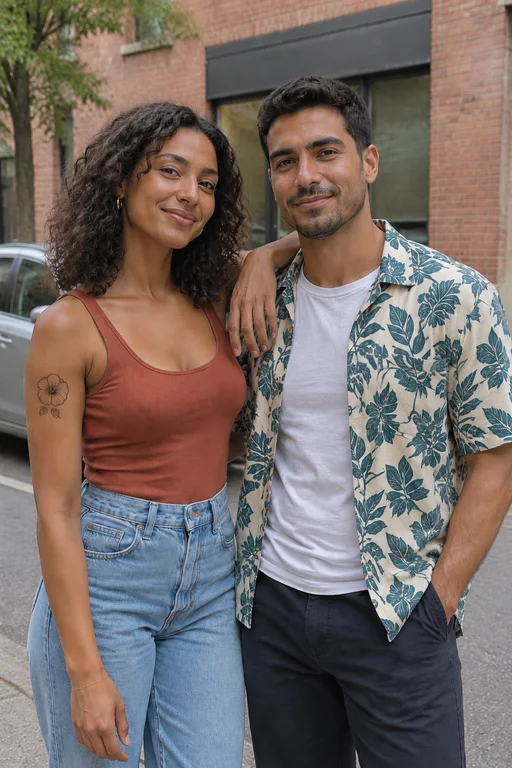
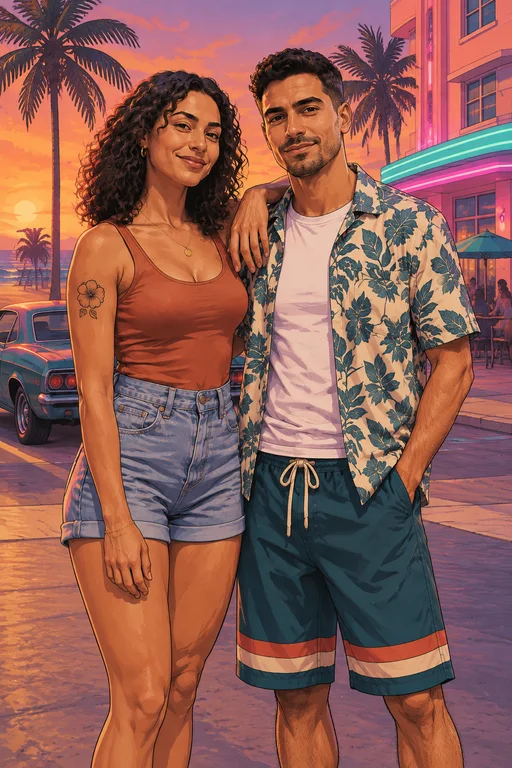
AI-generated example photo and restyled images, not a preview of your uploaded photo.
JPG, PNG or WebP · up to 18 MB · large photos are resized automatically
Adjust your portrait
02A character portrait set in Leonida, from urban cafés to boatyards and forest lookouts, with accessories drawn to suit your look.
This style may change the scene, outfit or hairstyle.
Your photo is uploaded and sent to an online image service only when you click Generate image.
AI may change faces, text and other details. Check the result before sharing.
03
AI result
AI may change faces, text and other details. Check the result before sharing.
Choose a photo for your portrait
- Side lighting gives the drawing a clear brow, nose and jawline. For a photo of two people, choose one where both faces are in focus.
- Keep your hands or shoulders in the frame if you want rings or a bag strap to show.
- Try Subtle for a small accessory change or Bold for layered jewelry and stronger shadows. Every strength gives you a new setting.
About the GTA 6 photo filter
Can I use a family photo or a picture taken indoors?
Yes. An indoor portrait can move to a neighborhood café. A pair sitting together can share a picnic bench, and a parent holding a child can keep that gesture in the new scene.
What kind of image will I get?
A single illustration inspired by the painted character artwork for Grand Theft Auto VI. This independent fan-style effect uses your photo for the cast and builds a setting and wardrobe accents around them. Faces and small details can change during generation.