
Choosing a repair area: edges, size and context
How to select mosaic, local blur and covered photo patches, keep useful context and review a generated repair before downloading.
Read guideCREATOR FIELD GUIDES
Make the key decisions before recording, while editing, and again before publishing.
How to select mosaic, local blur and covered photo patches, keep useful context and review a generated repair before downloading.
Read guide Six controlled image2 examples cover face mosaic, local blur, black bars, a pet photo and a covered landscape. See the generated changes and their limits.
Read guide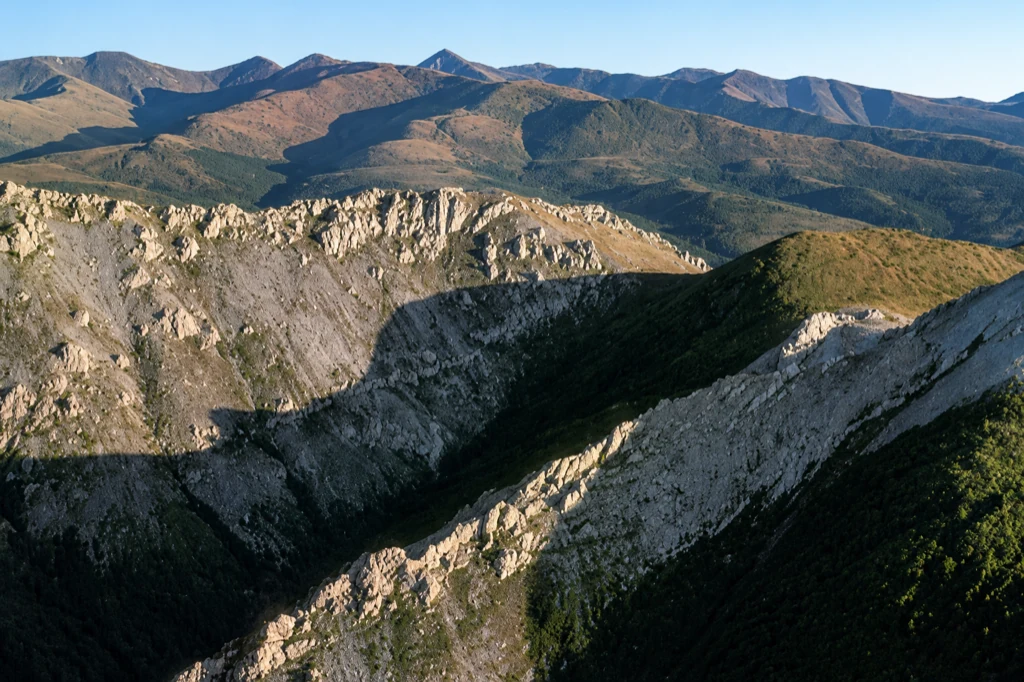
Seven openly licensed nature, family photo, product and scanned illustration examples were reduced to 512 px, then generatively enhanced.
Read guide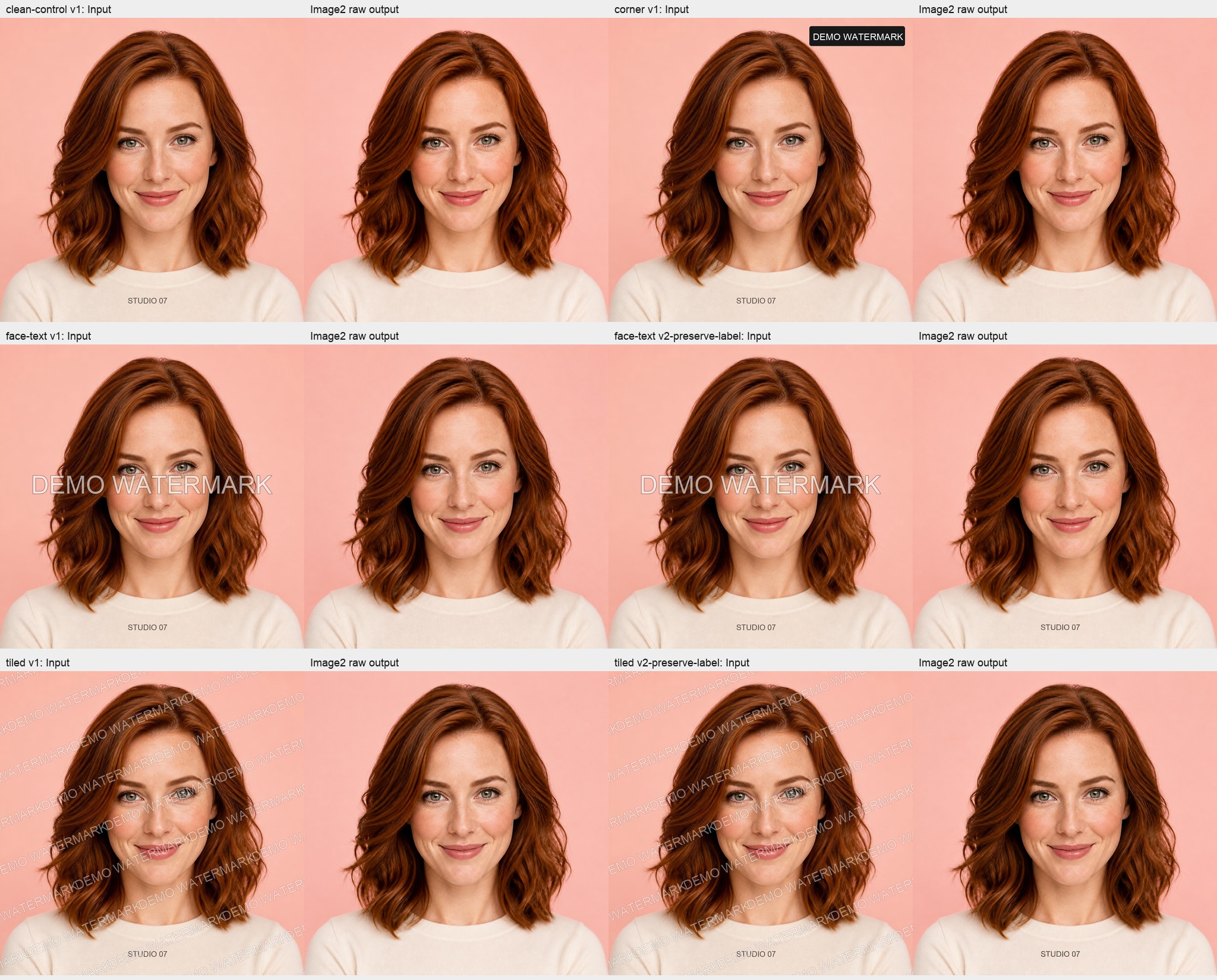
One synthetic portrait, three watermark placements and a clean control reveal both the repair and unintended changes outside the marked area.
Read guide
Compare the same 20-second street interview before and after QuietTake denoising, with measured loudness, duration, codec and file size—and what those numbers cannot prove.
Read guide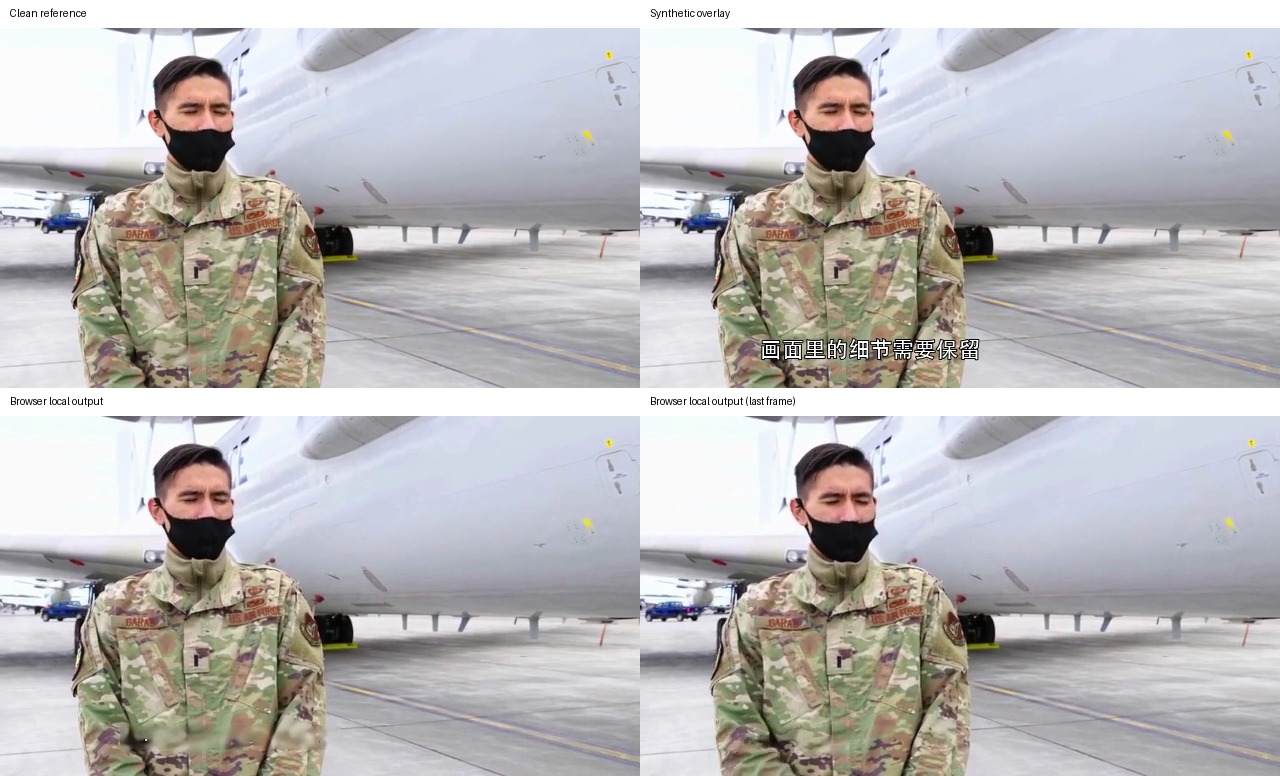
Compare eight synthetic overlays against clean reference frames and real browser exports to see where video removal works and where people and textures are damaged.
Read guide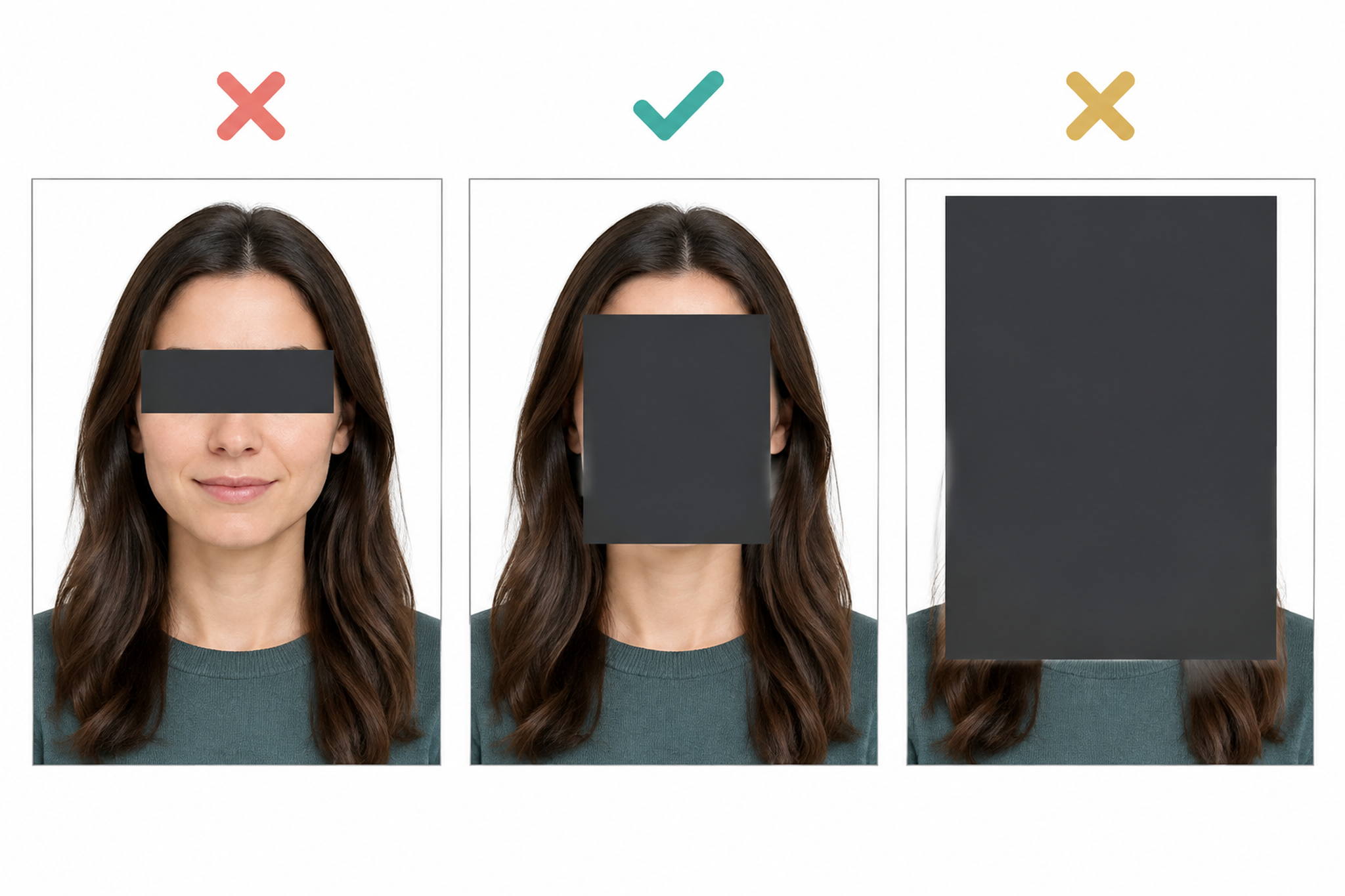
Before publishing an interview clip, check identifying faces, voices, names, background clues and caption copies, then review the full export for missed frames.
Read guide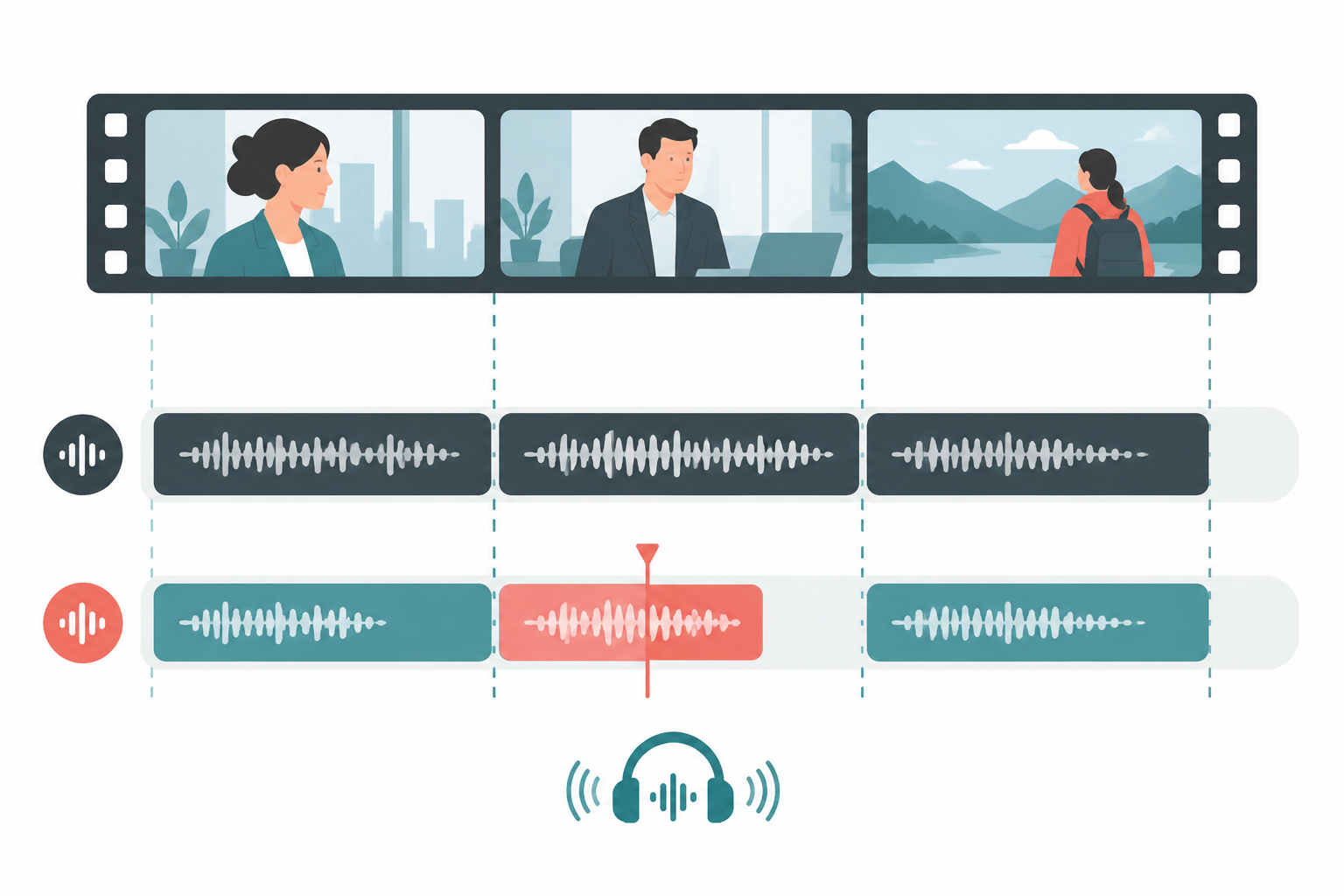
Select a short interview clip, proof the transcript, time and break captions for reading, then review the exported video on a phone.
Read guide A repeatable field workflow for street, event and outdoor interviews: improve mic distance and position first, then clean noise carefully and review the result.
Read guide