Product test · Audio cleanup · FIELD GUIDE
Street interview noise removal tested: a 20-second before-and-after
We processed a public maintenance-site interview with QuietTake. Integrated loudness fell by 1.2 LU while duration and encoding stayed the same. That describes the output; one number cannot prove speech became clearer.
Public E-3 Sentry maintenance interview audio, mono AAC at 48 kHz.
The same interval processed with QuietTake web's strong preset. No loudness matching was applied; account for the level difference when listening.
The question behind this test
Noise-removal demos can easily turn into promotional clips: choose obvious noise, raise the processed track, then switch quickly between A and B. That can reveal whether a sound was reduced, but a louder track can also seem better. This comparison keeps the same source interval and its actual exported levels, then reports measurable file facts before discussing what listening can and cannot tell us.
The source is a publicly released E-3 Sentry maintenance and interview video. We use the same 20-second interview interval for the original and the QuietTake web-tool output. Both players above are directly playable. We did not loudness-match the tracks, so this is not a blind-listener study and does not tell us what percentage of people prefer the processed version.
The short result: the processed track measures 1.2 LU quieter overall. Both files are 20 seconds, mono AAC at 48 kHz. Denoising can lower total signal energy along with noise, so a lower level alone proves neither failure nor clearer speech. The decision still depends on the actual words and recording.
Sample and processing
The source was published by the U.S. Defense Visual Information Distribution Service (DVIDS) and identified as Public Domain on its source page. The sample credits record the author, source and use; the public-domain label does not imply endorsement by DVIDS or the interviewee. We prepared a 30-second working interval near source time 190 seconds, allowed a lead-in for model warm-up, and used the following 20 seconds for the comparison. The processed track came from QuietTake's actual web workflow with its strong preset. Both tracks were then encoded to the same AAC output format.
Output specification: 20.000 seconds, AAC-LC, 48 kHz, mono. We did not independently change EQ, compression, loudness or dynamics, and did not boost the cleaned file. Keeping the level difference lets the player represent the exported files rather than a post-produced version designed to sound more pleasing.
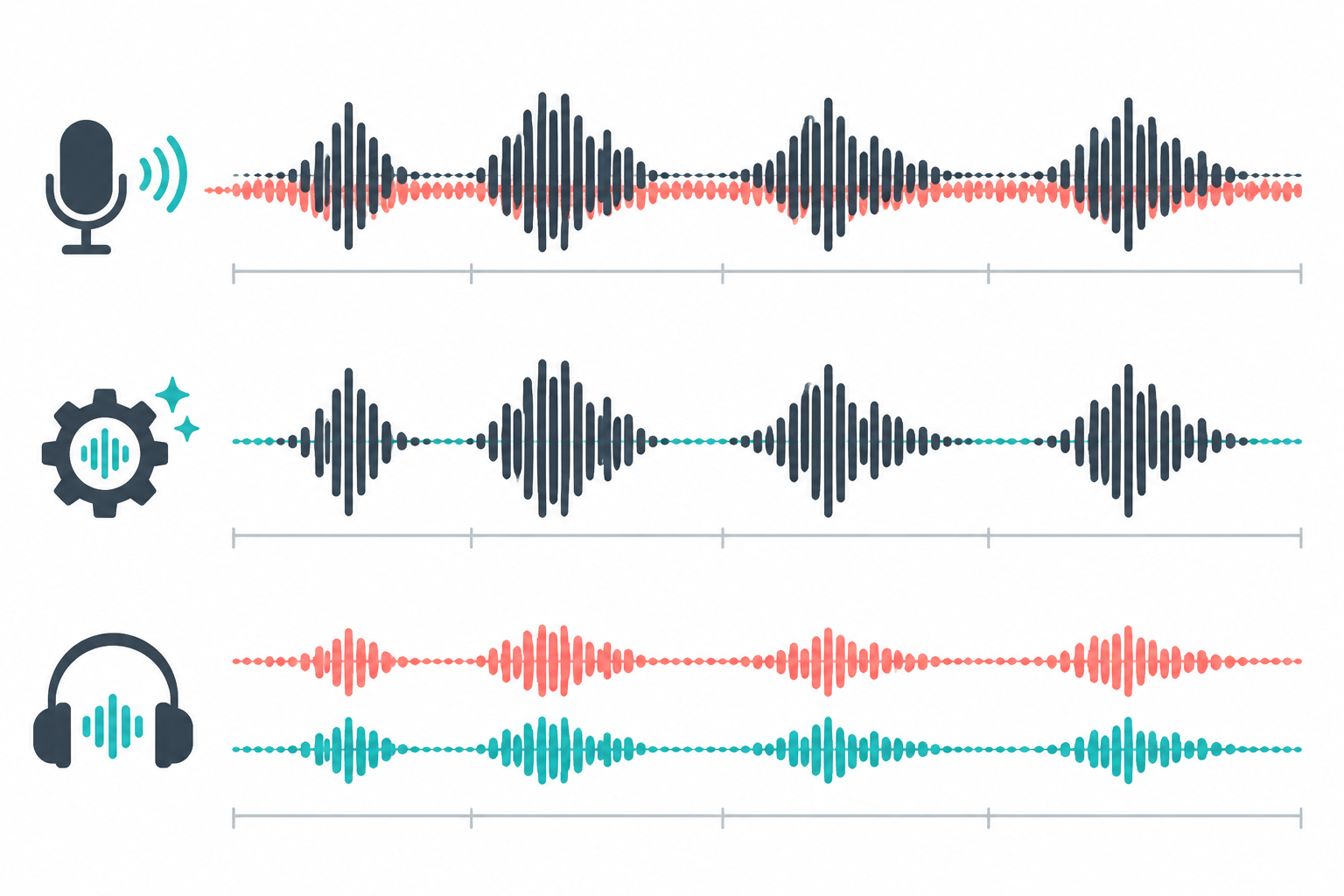
This image explains the listening workflow; it is not a spectrum or noise measurement from the 20-second clip. A simpler-looking waveform is not necessarily better speech. Use the players to listen to the same consonants, names, word endings, breaths and pauses.
Measurable file results
Integrated loudness was measured with FFmpeg ebur128 on each final 20-second AAC file. File sizes are the actual exported bytes; their difference is not interpreted as a quality difference.
| Measure | Original | Denoised | Difference |
|---|---|---|---|
| Duration | 20.000 s | 20.000 s | Same |
| Codec / sample rate / channels | AAC-LC / 48 kHz / mono | AAC-LC / 48 kHz / mono | Same format |
| Integrated loudness | −17.4 LUFS | −18.6 LUFS | 1.2 LU lower |
| File size | 329,896 bytes | 336,220 bytes | 6,324 bytes larger, about 1.9% |
LUFS estimates integrated loudness across a clip. It is not a background-noise level or a speech-intelligibility score. A slightly larger file only means this AAC encoding produced more bytes; it does not establish higher or lower fidelity. One interview with its own microphone distance, wind, equipment and room acoustics also cannot represent every street recording.
What to listen for in the A/B
Listen through the original once, choose a sentence containing short words and a complete ending, then compare the exact interval in the processed version. Keep playback volume steady; do not judge by clicking back and forth over the first two seconds. During pauses, listen for pumping or a changing background bed. In speech, check consonants and names. At the end of a sentence, make sure quiet syllables remain. Decide whether breath, clothing noise and location ambience still sound natural.
If the background falls but speech becomes thin, watery, interrupted or metallic, do not pursue silence alone. Try a gentler setting, a shorter interval, or accept some steady ambience. A strong preset may help one type of noise and sound unnatural on another recording.
The audio noise removal tool lets you try a short section of your own media before deciding about a complete recording. Keep the original and save a separate result. Do not infer speed on your device or a guaranteed improvement for all files from this sample.
What this test did not establish
This is one source interval processed once through the web tool. It is not a multi-device performance test, listener preference survey or model leaderboard. We do not have a clean simultaneous recording of the same scene as ground truth, so we cannot calculate restoration accuracy or claim a measured intelligibility improvement. The −1.2 LU result is reproducible from these files, but it does not identify which noise frequencies fell or which speech details changed.
The public source fixes the microphone distance, wind, interviewee, equipment and location. Another phone, lapel mic, reverberant room, music bed or overlapping speakers creates a different task. Severe clipping, speech fully covered by an engine, or simultaneous voices may not be recoverable from the recording.
The denoising workflow and browser support can also change over time. This page documents the existing sample pair, not a performance promise on a new device. A robust evaluation for batch or critical use would require permitted material, fixed settings, several devices, level-matched blinded listening and a speech-intelligibility assessment.
When to use this workflow
- Steady air conditioning, fan or road noise with understandable speech: test a short interval and compare voice texture and quiet words.
- A horn, mic bump or loud crowd at one moment: consider editing, treating a local section or recording again instead of applying one strong setting everywhere.
- Speech fully masked or clipped: keep the original and look for another mic or camera track; do not expect missing detail to reappear.
- An interview for publication: also review personal information, consent, captions and export settings.
Data and sample notes
The audio pair comes from QuietTake's existing homepage A/B sample. Source and rights notes are available in the sample record. The 20-second files are street-interview-original.m4a and street-interview-cleaned.m4a. Loudness was measured with FFmpeg ebur128; file properties were checked with FFprobe. These measurements describe these two files only.