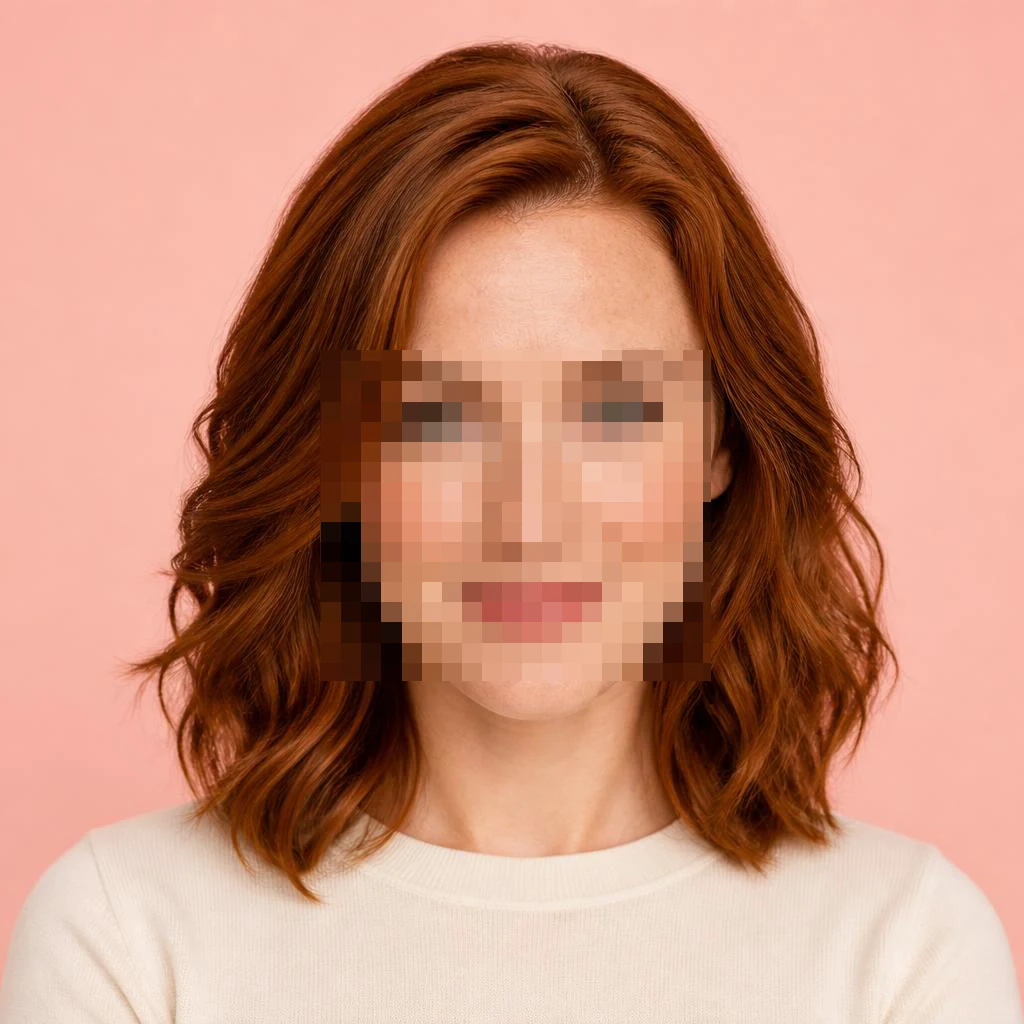
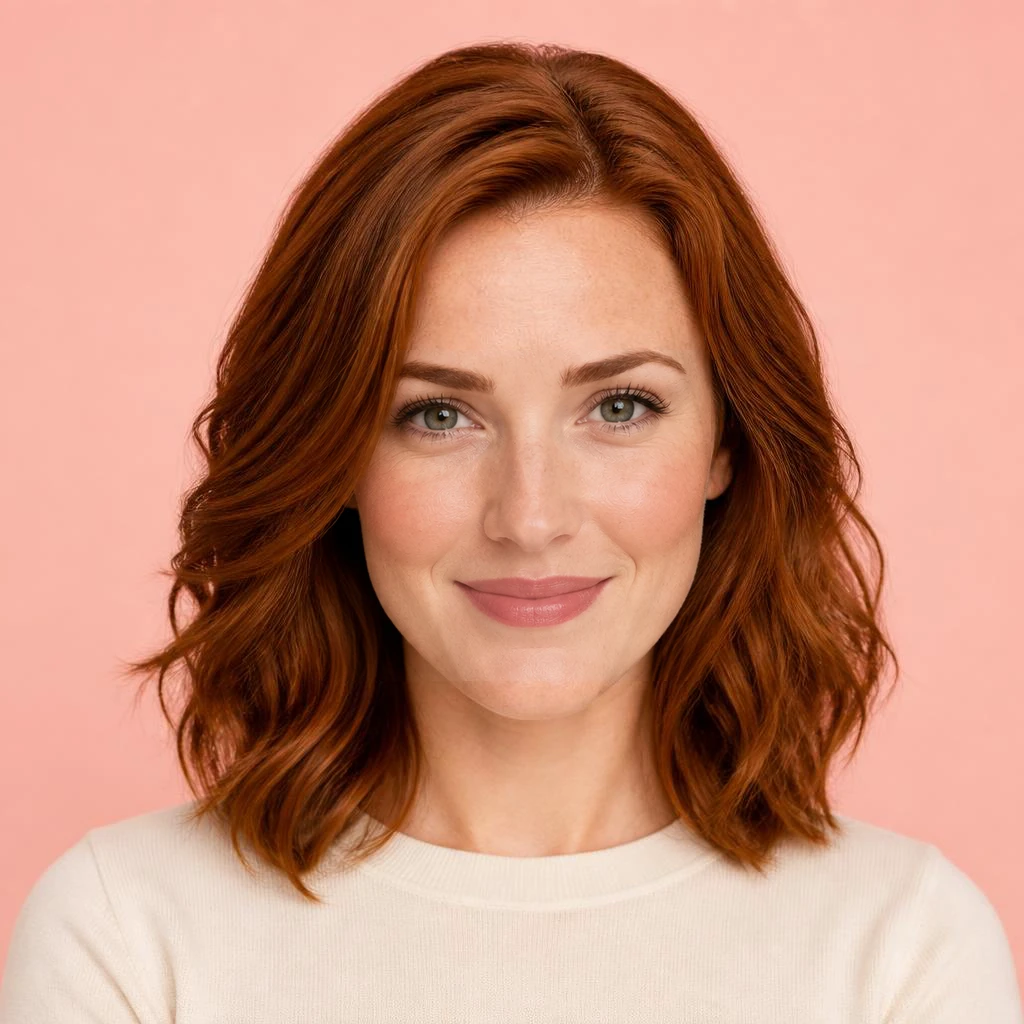
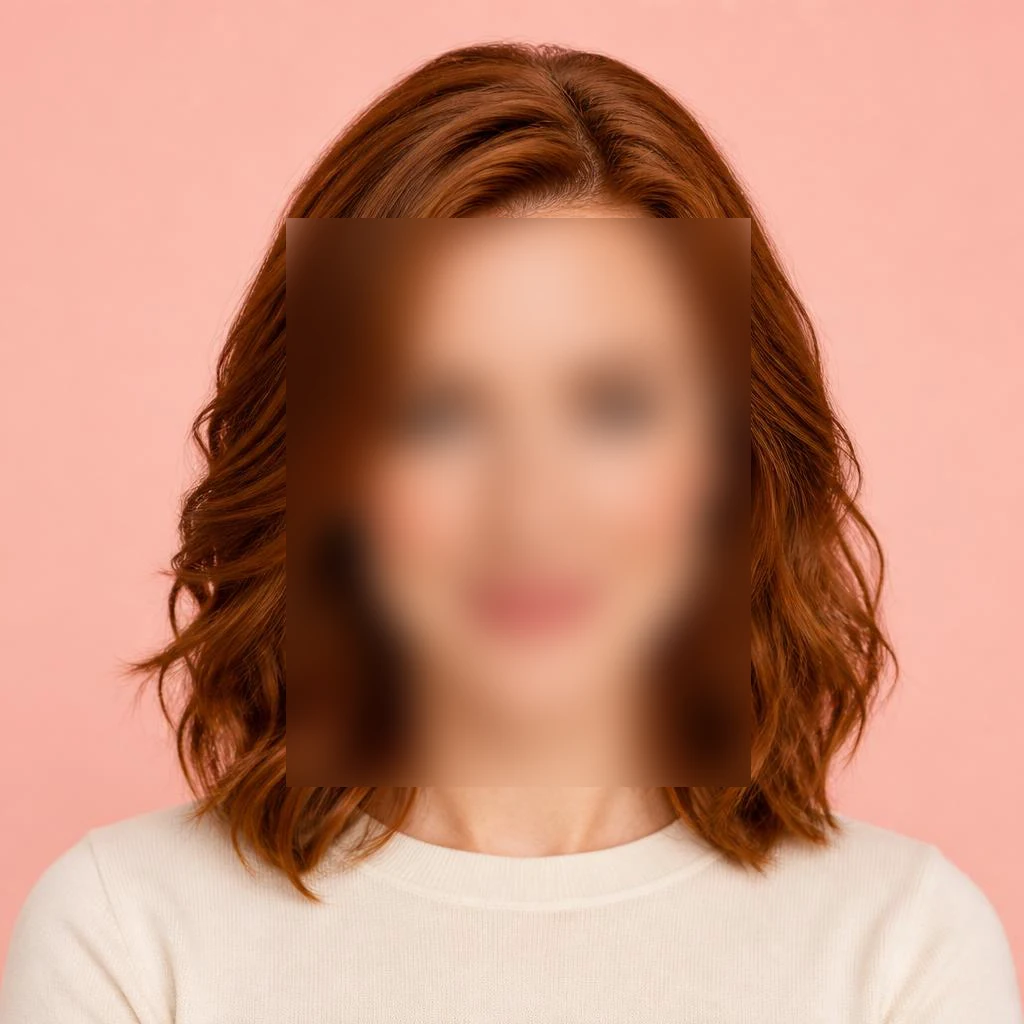
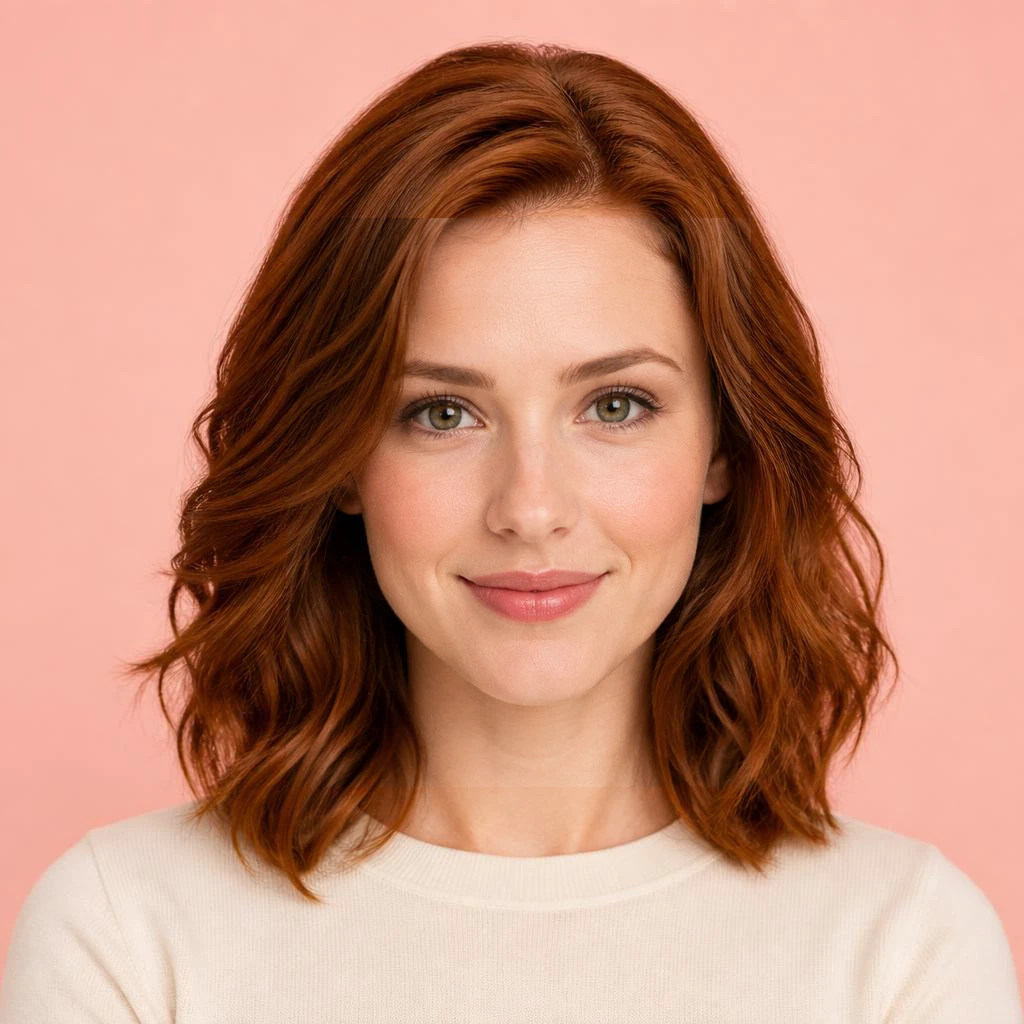
Face mosaic · smaller patch
The eyes, nose and mouth become clear, but their shapes differ from the synthetic source.
Remove mosaic, blur or covered areas from a photo with AI image repair. Select a patch, review a plausible completion and download PNG. Five daily attempts per source IP; people on the same public IP share this tool allowance.
PNG, JPG or WebP · Up to 18 MB · 4096 px per side · 6 MP
20 repairs per IP for this tool · shared by this network · resets at 00:00 UTCDrag on the photo, or add a box with the button and adjust its position below. Up to 8 areas.
Only after you start, your image, selected areas and optional context are sent to an external AI image service for processing.
This can take several minutes. Keep this page open. We do not retry automatically.
AI invents hidden details. A clear face, object or letter is a guess and may differ from the original.
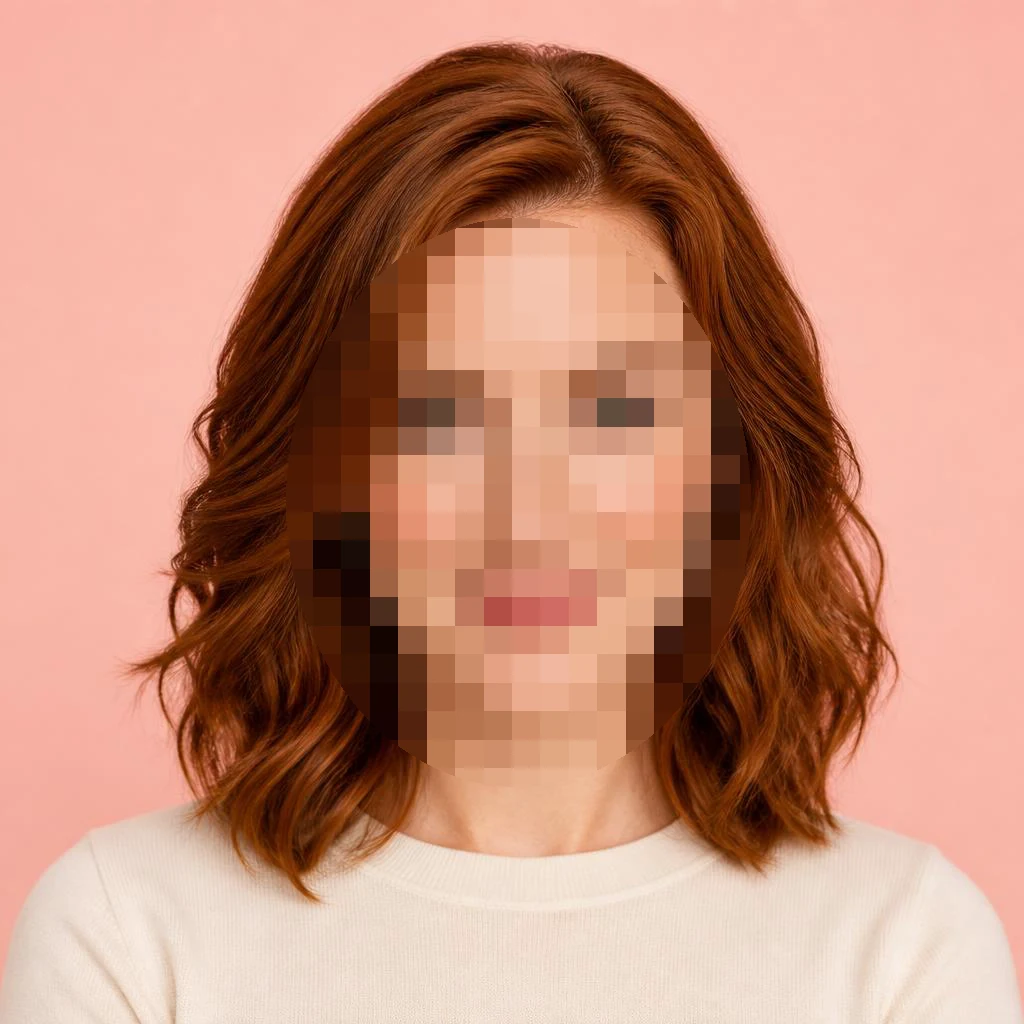
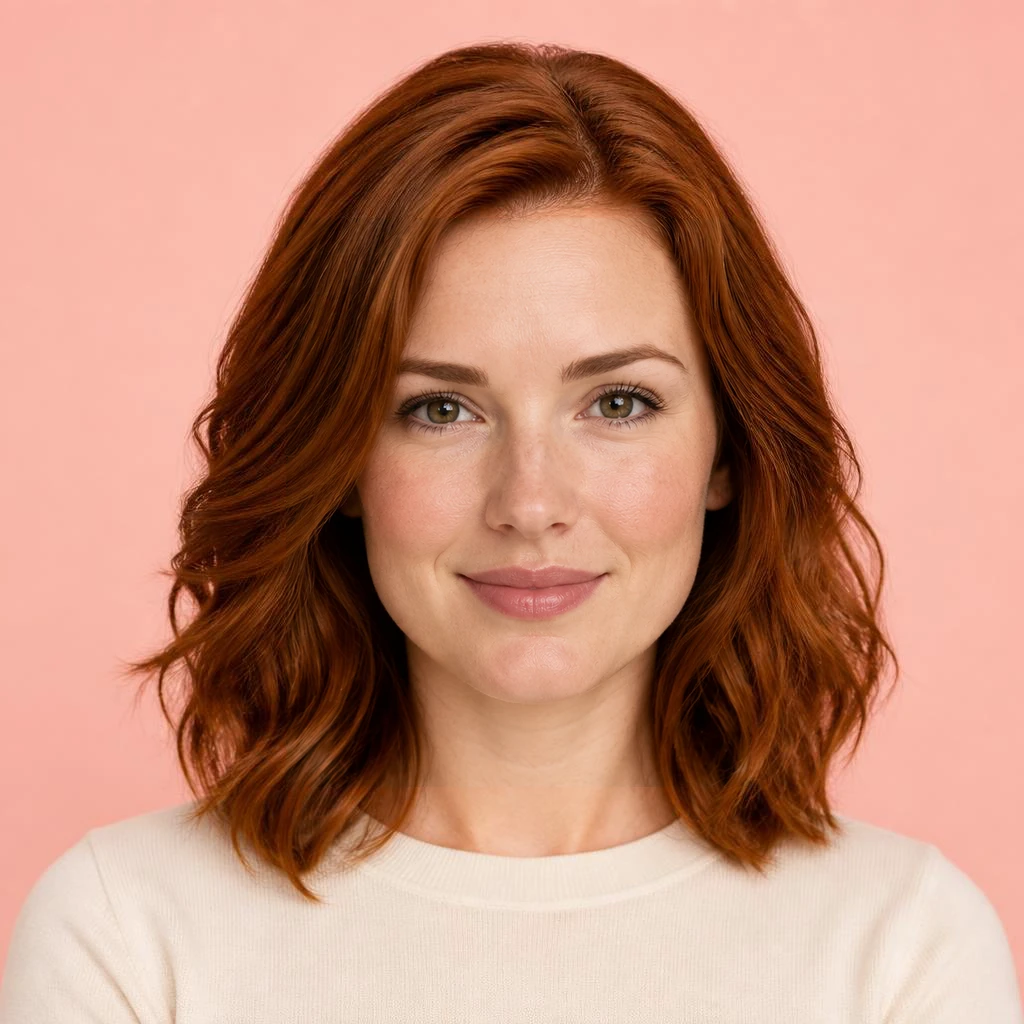
Real outputs from an AI image model in controlled tests: a synthetic portrait and openly licensed photos. Drag to compare. Only the marked area is composited back; visible detail is generated.
The eyes, nose and mouth become clear, but their shapes differ from the synthetic source.
A complete face is generated. More hidden area gives the model less visible structure to follow.
Fine facial detail is invented. This is a local blur example, not a test of camera motion blur.
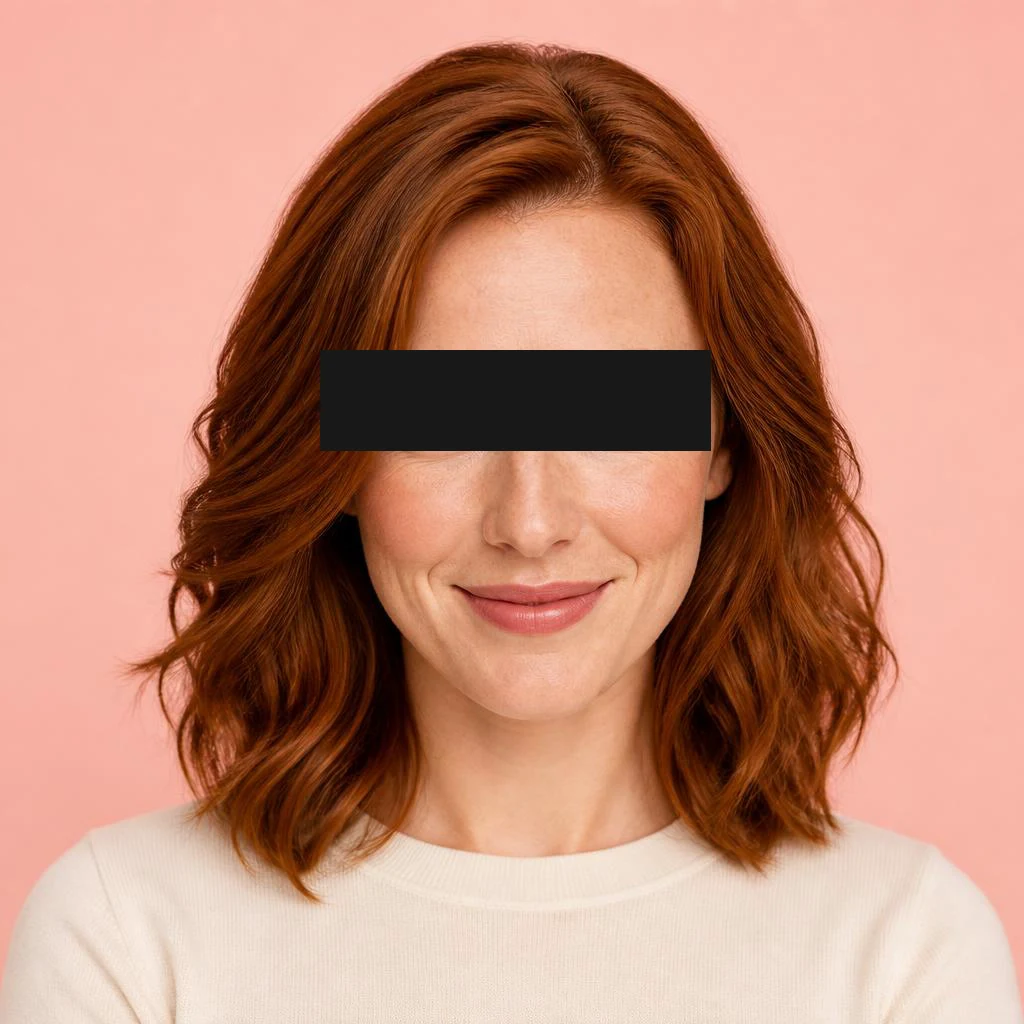
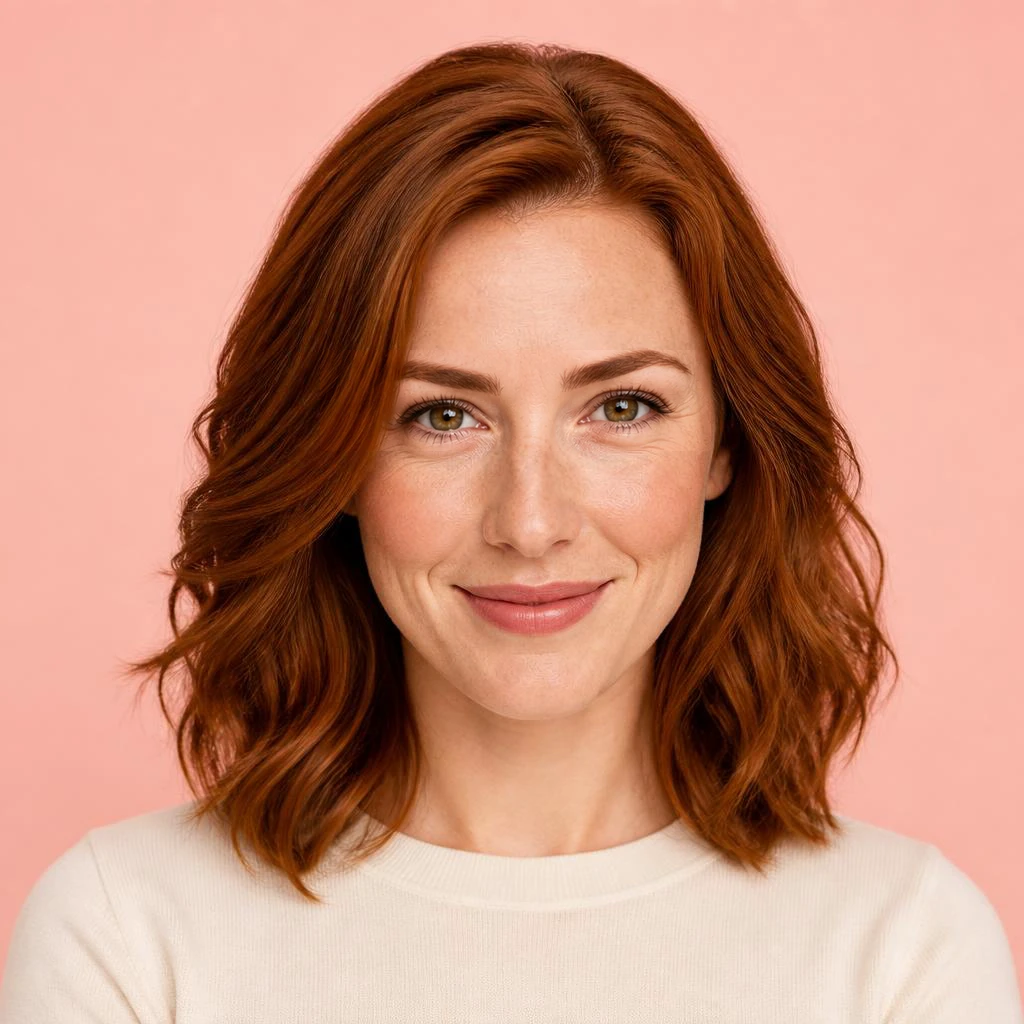
The bar is replaced with plausible eyes; it does not establish the original eye color or identity.
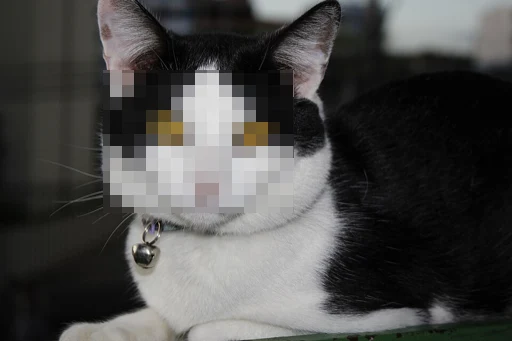
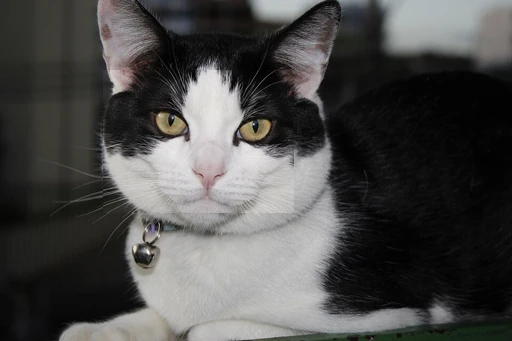
The cat becomes clear, but eye shape and markings shift. Inspect the fur and selection edges.
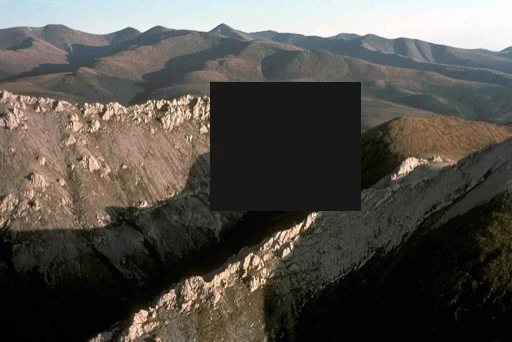
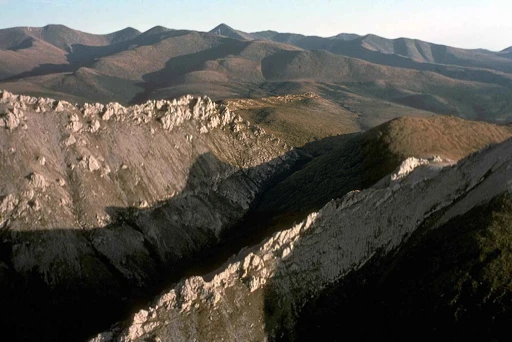
Rocks and shadows continue across the patch. Individual terrain details are a generated interpretation.
Use the result that looks right
AI invents hidden details. A clear face, object or letter is a guess and may differ from the original.
Include all mosaic blocks, blurred edges or the solid cover. Leave hair, clothing and surrounding texture visible as context. A smaller, precise selection usually makes the result easier to blend. Multiple separate patches can be selected together.
Check the full image, then inspect the selection boundary, eyes, expression, fur, straight lines and textures at larger size. Our tool keeps pixels outside your selections, but generated detail inside can change identity, shape or color. Start a new version from the original if the first one is unsuitable.
This tool fills a local censor patch; it does not decrypt an image. For a small, blocky full image, use the image enhancer. For a logo or overlaid text, use watermark removal. For exact faces, labels, numbers or archival detail, obtain the uncensored source instead.
The examples show plausible visual completions, not recovered facts. Use an image you may edit and share with the processing service. Download only after reviewing it, and identify generated edits when the audience could otherwise mistake them for original detail.