Image repair · Field notes · FIELD GUIDE
Six image censor repair examples: what AI changed
A clear result can look convincing while changing the hidden content. These six examples show local completion rather than recovery of original detail.
What these examples represent
We started with one synthetic portrait, an openly licensed cat photo and a public-domain mountain photograph. We added controlled mosaic, blur or solid rectangles locally. Only the damaged input and an editing instruction went to image2. The clean reference and exact mask stayed on this computer for comparison. There are six displayed cases, including two different mask sizes on the same synthetic person. They are not six independent subjects or a representative success-rate benchmark.
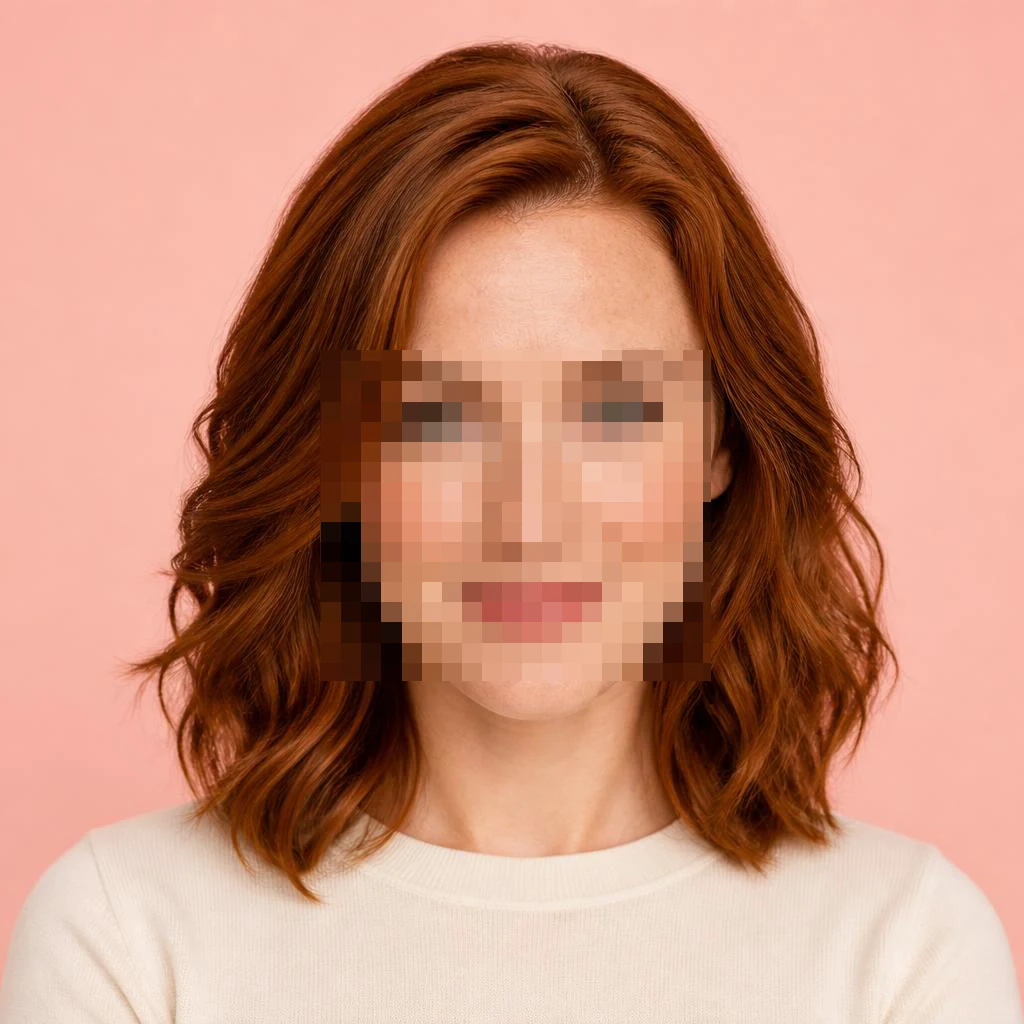
Smaller and larger face mosaics
Both face mosaics became complete, sharp-looking faces. The smaller patch kept more visible facial structure around it; the larger patch left more information for the model to invent. In the original raw-output experiment, masked-area pixel error decreased by about 17.5% for the smaller patch and increased by about 1.8% for the larger one. Those figures compare with a known synthetic reference, not human preference or identity. They should not be read as scores for the final rectangular composites shown on the tool page.
Local blur and a black eye bar
The local-blur example generated coherent facial detail, and the black bar was replaced with plausible eyes. Neither result verifies what was hidden. The black-bar request took about 378 seconds and returned 2508 by 2508 pixels from a 1024-square input. The blur request took about 100 seconds and returned a 1254-square image. We resize the result to the original input grid for composition. More output pixels are not evidence of more recovered information, and a local Gaussian-blur test is not a camera-shake test.
A pet photo and a covered landscape
The cat example is useful precisely because the raw generated image changed too much: eye geometry, facial markings and areas outside the mosaic shifted. The final case display uses only the repair rectangle from that actual output. Check how the guessed face fits the remaining fur. In the landscape, rocks and shadows cross the former black rectangle, but individual ridge details differ from the source. A coherent continuation can be useful for an illustrative image without being an accurate record of that terrain.
Why the page preserves the rest of the photo
A clean portrait was also sent through the same repair instruction. Despite having no censor patch, it was visibly redrawn: after resizing to the input dimensions, about 40.4% of pixels changed by more than eight levels in at least one RGB channel. This is why the tool asks for selections and copies generated pixels only inside those rectangles. The displayed WebP samples use lossy compression for loading speed; the product download is PNG. Pixel preservation refers to the normalized image outside the chosen rectangles before display compression.
Latency, failures and what remains unknown
Seven input types were called in the original experiment, including the clean control. One of the mosaic calls failed after about 446 seconds, then its single retry succeeded in about 148 seconds. Successful calls ranged from about 100 to 378 seconds. This small batch cannot establish a P95, an availability rate or a cost per usable image. The requests specified gpt-image-2 and max quality through the configured proxy; the actual backend identity, billing and provider retention practices were not independently verified.
How to judge your own result
First compare the whole picture, then inspect the boundary and recognizable details. Faces, pet markings, shadows and straight edges deserve special attention. If a patch looks pasted in, adjust the rectangle so it includes the complete overlay and a narrow surrounding margin. Generate another version from the original rather than repeatedly feeding a generated face back into the model. Keep the source file and use an uncensored original whenever factual detail matters. A plausible eye, digit or label is not proof of what was originally present.
Sources and further reading
The cat is credited to RobotBlanket under CC0 on Wikimedia Commons. The mountain image is credited to the U.S. Fish and Wildlife Service as a public-domain government work. The portrait is an existing synthetic QuietTake asset. The tool links each external source beneath its comparison. Our workflow research also examined Adobe’s selection-based generative editing documentation, RemoveAnything’s mosaic-removal description and Fotor’s separate low-resolution enhancement use cases. We did not upload images to those products or compare their inference quality.